Effective date: 2 November 2026 Last updated: 2 November 2026 App: PC Keyboard (package com.arcodestudios.bdpckeyboard) Developer: Arcode Studios (“we”, “us”, “our”) Contact: [email protected]
1. Summary
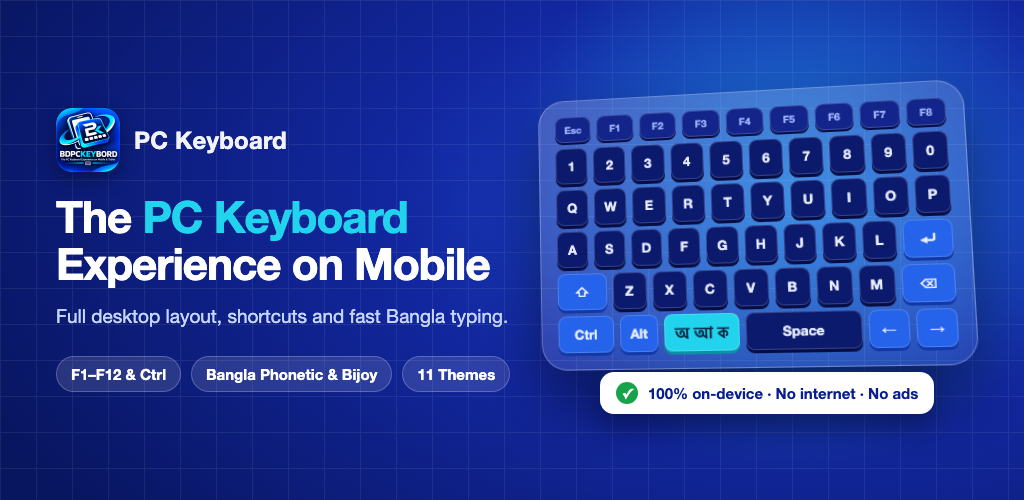
PC Keyboard is an Android keyboard (input method) with a full PC-style QWERTY layout, Bangla Phonetic and Bijoy typing, themes, sounds and haptics.
•We do not collect your data. Nothing you type leaves your device.
•The app has no internet access. It does not request the INTERNET permission.
•No ads, no analytics, no trackers, no accounts, no third-party SDKs that collect data.
•Everything the app stores stays on your device, under your control.
2. Why a keyboard needs this policy
A keyboard can see what you type. We take that seriously. This policy explains exactly what the app does and does not do with that access.
3. Information we do NOT collect
We do not collect, transmit, sell, share or rent:
•Text you type, including messages, searches, emails, passwords, card numbers or any other content
•Personal information (name, email, phone number, address, contacts)
•Location, device identifiers, advertising IDs, or usage analytics
•Crash reports or diagnostics
•Photos, microphone, camera or files
Because the app has no network permission, it technically cannot send data off your device.
4. Information stored on your device only
To work, the app stores the following locally in its private app storage. This data is never sent to us or anyone else.
Data
Purpose
Notes
Keyboard settings (theme, layout, key size, spacing, font size, sound, vibration, number/function row)
Remember your preferences
Stored in a local database
Learned words (word and frequency count)
Improve word suggestions
Stored locally; capped at a fixed maximum size; least-used words are removed first
Clipboard items you save in the app
Let you paste saved items and pin them
Only items you choose to save; you can delete or unpin any item
Custom shortcuts (trigger and replacement text)
Text expansion you configure
Created by you; you can delete them
Sensitive fields. In password fields and fields that are not plain text (such as number or phone fields), the keyboard turns off word suggestions and does not learn from what you type.
5. Permissions
Permission Why VIBRATE
Haptic feedback when you press keys. You can turn it off in settings.
BIND_INPUT_METHOD
Standard system permission that lets Android use the app as a keyboard. Only the Android system can bind to it.
The app does not request internet, storage, contacts, location, camera, microphone or phone permissions.
6. Third parties
PC Keyboard does not include advertising, analytics or tracking libraries, and does not share data with any third party. It uses open-source Android libraries (such as AndroidX, Jetpack Compose and Room) that run entirely on your device.
7. Android backup
Android’s backup feature may include app data (for example your settings) in your Google account backup if you have device backup turned on. That backup is handled by Google under your device and Google account settings and Google’s Privacy Policy. We do not receive or have access to it. You can turn this off in your device’s system settings.
8. Data retention and your control
•View and delete: Delete saved clipboard items and shortcuts inside the app.
•Delete everything: Go to Android Settings → Apps → PC Keyboard → Storage → Clear data, or uninstall the app. This removes all data the app stored.
•Since we hold no data about you, there is nothing for us to export or erase on our side.
9. Children’s privacy
The app is suitable for general audiences. We do not knowingly collect personal information from anyone, including children under 13 (or the minimum age in your country). Because no data is collected, no parental consent process is needed.
10. Security
Data is kept in the app’s private storage, protected by Android’s app sandbox. The app has no network access, which removes the risk of data being intercepted in transit. No method of electronic storage is perfectly secure, and we recommend keeping your device locked and up to date.
11. Your rights
Under laws such as the GDPR, CCPA and similar, you may have rights to access, correct, delete or port your personal data, or to object to its processing. We do not collect or process your personal data, so these rights are met by design. If you have a question, contact us at the address above.
12. Changes to this policy
If the app changes in a way that affects privacy (for example adding online features), we will update this policy and the “Last updated” date, and, where required, ask for your consent before any new data is collected. Please check this page from time to time.
13. Contact
Questions or concerns about this policy:
Arcode Studios Email: [email protected]
Leave a Reply